Let the Dock follow your workflow
Have the Dock follow your mouse, active window, or chosen apps instead of moving it by hand.
 DockLock
Mac App Store edition
DockLock Plus adds Dock-following behavior and powerful automation to the Dock locking you know from DockLock Lite. Get the Mac App Store edition with a one-time lifetime purchase and no subscription.
One-time lifetime purchase
Everyone who purchases DockLock Plus before DockLock Pro is released will get DockLock Pro for free at launch. This includes existing DockLock Plus owners.
Have the Dock follow your mouse, active window, or chosen apps instead of moving it by hand.
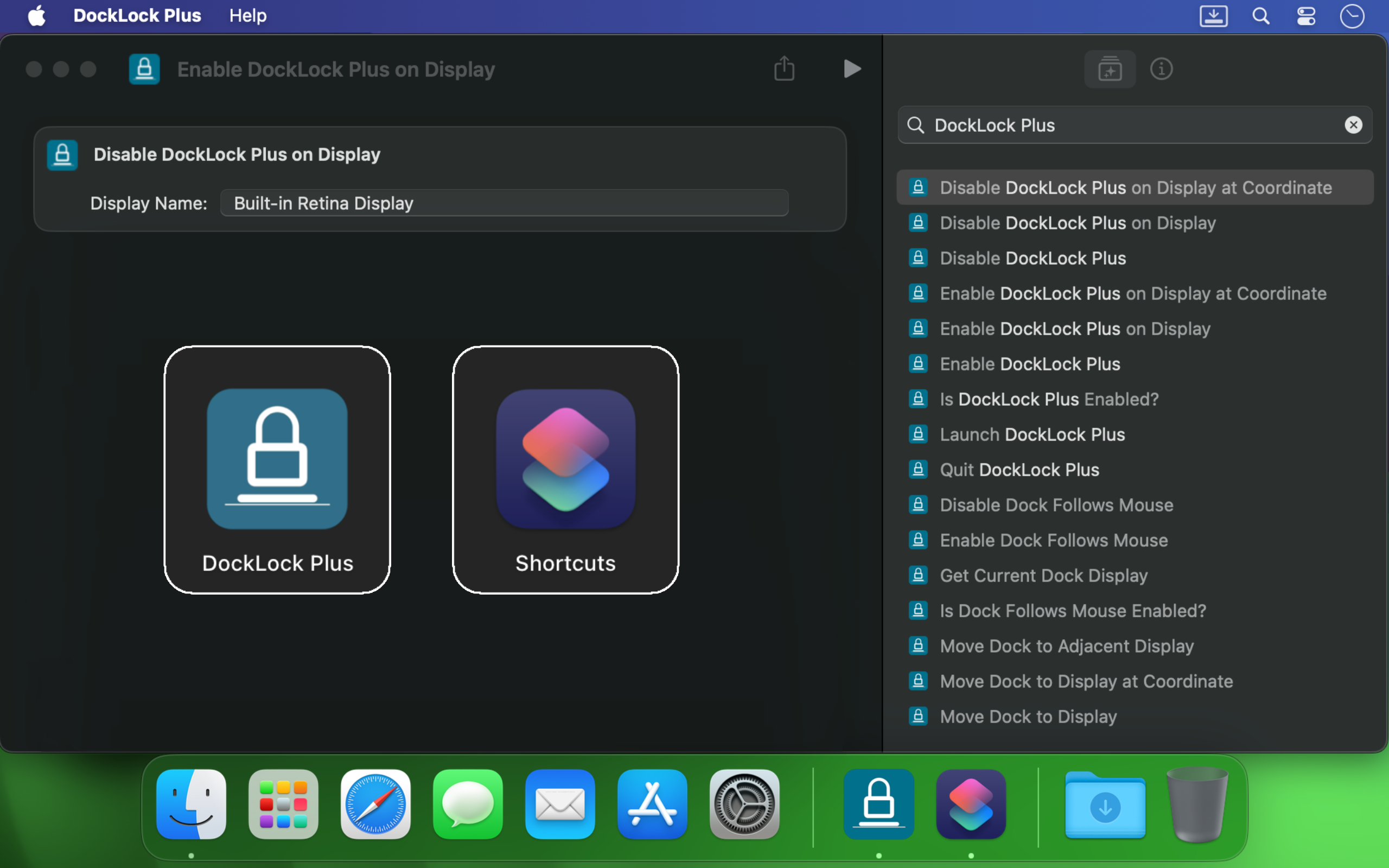
DockLock Plus integrates with Apple Shortcuts, URL scheme calls, terminal scripts, Siri, and Raycast so your Dock follows the workflow instead of interrupting it.
Learn moreModifier hotkey control, removing the Dock icon, and hiding the menu bar icon are included in Plus. These features require a subscription in Lite after the trial.
Both editions keep the Dock on your preferred display. Lite's core Dock locking remains free after the trial. Plus includes the following extras with a one-time lifetime purchase.
| Feature | DockLock Lite | DockLock Plus |
|---|---|---|
| Paid features | Subscription only | One-time lifetime purchase |
| Dock follows mouse, active window, or apps | Not included | Included |
| Apple Shortcuts and Siri control | Not included | Included |
| URL scheme automation | Not included | Included |
| Command-line interface | Not included | Included |
| Official Raycast extension | Not included | Included |
| Modifier hotkey to temporarily move the Dock | Subscription | Included |
| Remove the Dock icon | Subscription | Included |
| Hide the menu bar icon | Subscription | Included |
DockLock Plus is a separate Mac App Store app. Install Plus, quit Lite, and configure your preferred display settings in Plus. Settings are not shared between the apps. You can remove Lite after setting up Plus.
A Lite subscription is separate from the Plus purchase. If you no longer need it, manage your subscription in your App Store account.
Both Mac App Store editions support the Dock at the bottom of the screen and require "Displays have separate Spaces" to be enabled. Moving the Dock between screens requires at least two displays. macOS 10.9 through 10.13 also requires the helper app.
Read Important NotesStarting with build 616, DockLock prevents accidental Dock jumping between displays without any extra permissions. Granting the optional "Device Control and Data Access" permission may improve Dock locking stability.
Automatic relocation after wakeup or display changes, and moving the Dock by command, require this permission.
Read the FAQOne-time lifetime purchase