La première application au monde qui empêche le Dock du Mac de sauter entre les écrans sans modifier le système.
Verrouillez le Dock sur votre écran préféré, gardez-le stable pendant le partage d'écran et comptez sur un comportement intelligent après la sortie de veille, les changements d'écran et les connexions.
Compatible avec OS X Mavericks 10.9 et plus récent, comme petite protestation contre la durée de ce problème. DockLock résout le saut du Dock sur chaque génération de macOS concernée.
Quand vous perdez le pointeur, le réflexe naturel est de bouger la souris jusqu'à le retrouver. Sur un Mac avec plusieurs écrans, cette recherche rapide peut toucher le bord inférieur d'un autre écran et déplacer le Dock vers le mauvais affichage.
Vous devez interrompre votre travail et remettre le Dock en place.
macOS redimensionne les fenêtres sur l'écran concerné pour faire de la place au Dock.
Les agencements de fenêtres en pleine hauteur doivent souvent être ajustés manuellement.
✓La solution
DockLock fonctionne en continu en arrière-plan pour protéger l'emplacement du Dock. Il détecte les réveils, changements d'écran et connexions, puis replace automatiquement le Dock sur l'écran attendu par votre flux de travail.
Replacement automatique du Dock après une sortie de veille ou un changement d'écran.
Aucun patch de fichier système et aucun changement SIP.
Conception axée sur la confidentialité avec réglages locaux.
L'accès Accessibilité sert uniquement à la gestion du Dock.
Choisissez votre niveau de contrôle du Dock
Lite est ciblée et entièrement isolée en bac à sable. Plus ajoute l'automatisation et une licence à vie. Pro sera l'édition disponible sur le site pour placer le Dock au-delà des limites de l'App Store.
Après la fin de l'essai DockLock Lite, le verrouillage principal du Dock reste gratuit. Le raccourci modificateur, la suppression de l'icône du Dock et le masquage de l'icône de barre de menus sont des fonctions payantes.
DockLock Lite
Simple. Ciblée. Les fonctions principales restent gratuites.
Une édition ciblée avec essai complet de 7 jours, sans carte bancaire. Ensuite, le verrouillage principal du Dock reste gratuit. Le raccourci modificateur, la suppression de l'icône du Dock et le masquage de l'icône de barre de menus nécessitent l'option payante.
Fonctions principales gratuites après essaiRaccourci modificateur payantMasquage d'icônes payantmacOS 10.9 ou plus récent
Utilisateurs avancés. Automatisation. Licence à vie.
Une licence à vie pour les utilisateurs avancés qui veulent l'automatisation. Ajoute Raccourcis Apple, contrôle par schéma d'URL, interface en ligne de commande, Raycast et un comportement Dock plus intelligent.
Licence à vieRaccourcis ApplemacOS 10.9 ou plus récent
Déverrouille le placement du Dock au-delà des limites App Store.
La prochaine édition du site pour le placement au-delà des limites App Store. Déplacez les Docks latéraux, débloquez les mises en page cachées et contrôlez où le Dock peut vivre.
Déverrouille la position du DockÉdition site webmacOS 10.9 ou plus récent
Toutes les éditions DockLock partagent le même objectif, garder votre Dock où vous l'attendez. Le bon choix dépend du niveau d'automatisation et de liberté de placement dont votre configuration a besoin.
Masquer le Dock pendant réunions ou partage d'écran
Oui
Oui
Oui
Définir quels moniteurs autorisent le déplacement du Dock
Oui
Oui
Oui
Replacer automatiquement après veille et changements d'écran
Oui
Oui
Oui
Touche modificateur pour déplacer temporairement le Dock
Payant
Oui
Oui
Supprimer l'icône du Dock
Payant
Oui
Oui
Masquer l'icône de barre de menus
Payant
Oui
Oui
Partage familial Mac App Store
Oui
Oui
-
Version Mac App Store entièrement isolée en bac à sable
Oui
Oui
-
Dock suit souris, fenêtre active ou applications
-
Oui
Oui
Contrôle avec Raccourcis Apple et Siri
-
Oui
Oui
Automatisation par schéma d'URL
-
Oui
Oui
Interface en ligne de commande
-
Oui
Oui
Extension Raycast officielle
-
Oui
Oui
Placer le Dock sur n'importe quel bord
-
-
Oui
Déplacer un Dock vertical entre écrans
-
-
Oui
Fonctionne sans Spaces séparés pour les écrans
-
-
Oui
Libérer l'espace autour du Dock pour les fenêtres
-
-
Oui
DockLock Pro débloque ce que macOS cache
Le prototype Pro va plus loin que le verrouillage. Il contrôle le vrai Dock macOS à l'exécution, prend en charge les positions latérales, peut déplacer un Dock vertical vers n'importe quel écran et libère l'espace autour du Dock pour les fenêtres. Il n'écrit pas de configuration système persistante et ne nécessite pas de désactiver SIP.
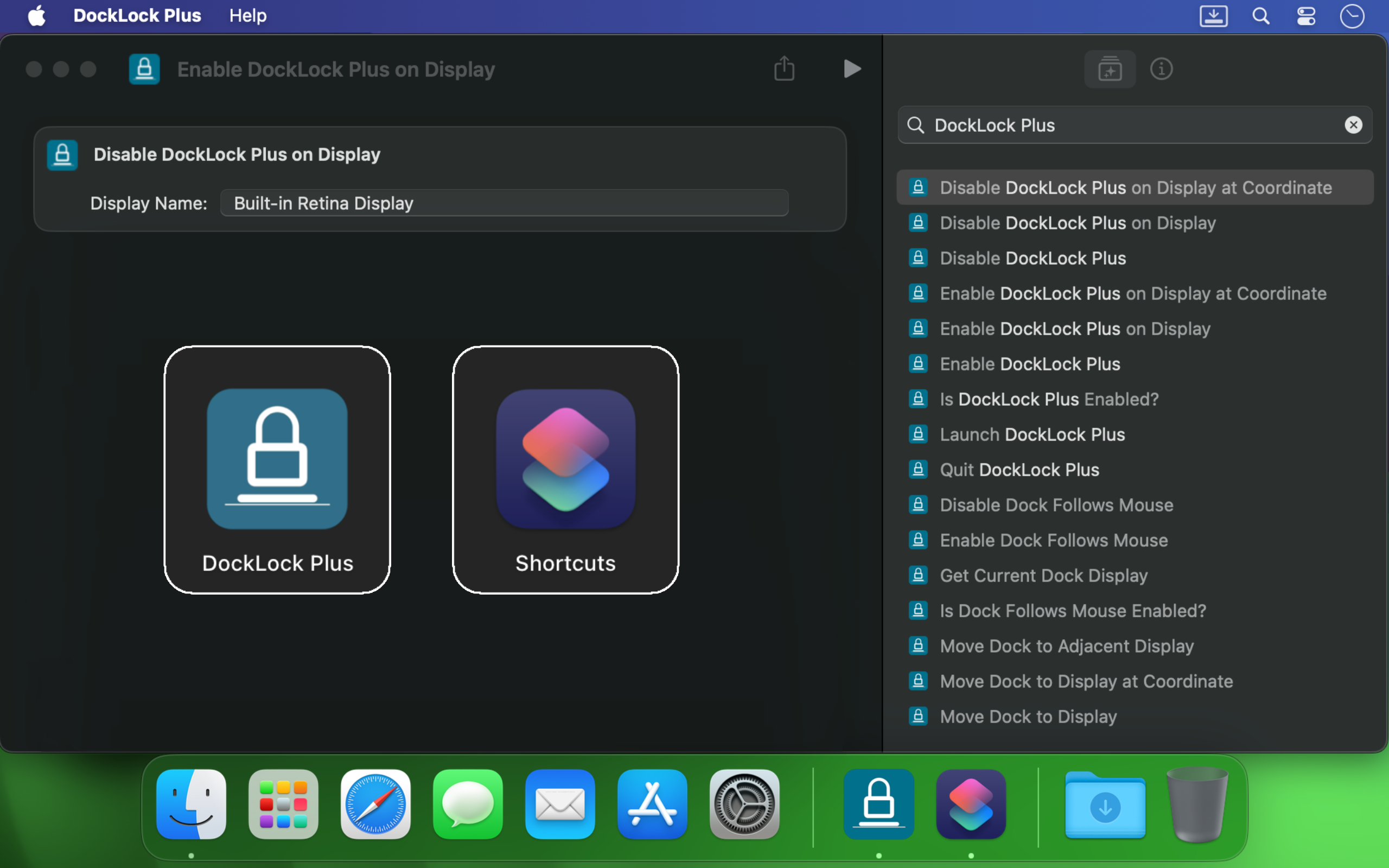
DockLock Plus s'intègre à Raccourcis Apple, aux appels de schéma d'URL, aux scripts Terminal, à Siri et à Raycast afin que votre Dock suive le flux de travail au lieu de l'interrompre.
Si vous utilisez plusieurs moniteurs sur Mac, le Dock peut sauter dès que le curseur touche le bord d'un autre écran. DockLock n'est pas une astuce ponctuelle. C'est un service d'arrière-plan qui protège en continu la stabilité du Dock avec une fiabilité professionnelle.
Il est utile aux développeurs, designers, présentateurs, créateurs en direct et à toute personne qui veut un bureau stable en passant d'un écran à l'autre.
Créé par un développeur indépendant
DockLock est né après des mois de recherche sur un problème sans vraie alternative. C'est une application première en son genre, créée parce que l'outil dont j'avais besoin n'existait pas.
DockLock est le résultat de plus de 900 heures de reverse engineering, développement et tests en solo par Ihor July. Chaque achat soutient la maintenance, la compatibilité future avec macOS et des outils originaux qu'Apple n'a pas construits.
Je me concentre sur des utilitaires macOS originaux, pas sur des copies. Soutenir DockLock finance davantage d'applications premières en leur genre. Soutenir le travail qui copie au lieu d'inventer ne crée que plus de copies.
Les applications DockLock sont construites en C++ natif pour les performances, gardent les réglages localement et ne font pas de requêtes réseau en arrière-plan dans les éditions Mac App Store.
Avis du Mac App Store
Les utilisateurs achètent DockLock parce que le problème est réel, ancien et toujours perturbant sur les Macs modernes avec plusieurs écrans.
★★★★★
We need more indy developers like this
Hands down, one of the best utilities that I came across for MacOS. First thing I install on a new Mac.
★★★★★
2 screens and no hassle.
I run a MBP with an external screen and I was tired of constantly fighting with the dock settings… This app made it invisible !
★★★★★
This is game changer
I'm multi display user and that jumping dock was bothering me since begining of my mac journey. I was forced to use dock on the side which i'm not a fan of because it's far away to the left on my setup and can't fit that much icons as horizontal bottom dock. So thanks to this app I can finally use dock on the bottom, after 8 years of struggle and hoping for fix on every macos release each year. Thank you very much!
★★★★★
Great value considering how much time it saves. Highly recommended!
I've been using dual (and sometimes triple) monitors with macOS for years, and the Dock constantly jumping to whichever screen I brushed the bottom edge of was a real productivity killer. Since I installed DockLock Lite, that annoyance is gone: the Dock stays exactly where I set it on my preferred screen, even when I'm juggling full‑screen apps and screen sharing...
The dev is quick to respond to feedback and has already fixed some stability bugs in recent updates.
★★★★★
Perfect while sharing a monitor
I like this app especially when using Teams and sharing my second monitor 1) People don't get to see the dock 2) They also don't see - while I Command-Tab - the apps I have open
★★★★★
Finally, a solution to one of the most annoying things on MacOS!
If you use a Mac with multiple monitors, DockLock Plus is the essential app you never knew you needed. For years, macOS users have struggled with the Dock unpredictably jumping between screens-a persistent annoyance that Apple never addressed. DockLock Plus finally delivers the seamless, frustration-free multi-monitor experience professionals have been waiting for.
★★★★★
Exceptional tool for an annoying problem
At first glance it might seem that the app pricing is a bit high for "just" keeping the dock locked until you realize that 1. Apple has not fixed this in years. 2. If you have multiple monitors your productivity exceeds the cost of the app. Fantastic tool, does what it advertises and the developer is super responsive and very very helpful.
★★★★★
Do you struggle with your Dock staying put?
Do you struggle with your Dock staying put? If the answer is no, this app isn't for you. But if you've contracted a case of multiple monitors, beware: You're at risk to experience Apple's most hateful "feature", how the Dock hurdles itself to another display the moment your mouse innocently brushes the bottom of another screen like an overeager golden retriever chasing a ball. It's annoying. It's disruptive. It's like macOS is personally attempting to sabotage your carefully arranged windows just to watch your productivity suffer. Thankfully, DockLock Plus has solved this. And for a not unreasonable amount of money, ether. Just buy it. Your windows stay arranged, your workflow stays intact, and you'll have a shred more sanity.
★★★★★
Works perfectly as described
I was searching for something like this for a long time hoping every year Apple would provide this feature out of the box in the new OS but I was disappointed. Until I found this. No more annoying unintended dock appearances on other screens. My favorite part is once you hide the menu bar icon and remove icon from dock, and enable at startup, you simply would never know if something like this exists. Works like a charm
★★★★★
Much Needed Solution to Nuisance Issue
This solves one of those "Why isn't this a native feature of MacOS?" issues. I use a 3 monitor setup...2 large monitors side by side, plus my MBP display below. My dock was having an identity crisis deciding where to live. I wanted it on a specific monitor and not be vertical. I tried various suggestions found online, but this app did what fiddling around with settings couldn't. An elegant solution with plenty of configuration options. I can now force the dock to stay on one specific monitor, or I can allow it to bounce between just the external monitors while avoiding the build in display, or various other combinations. Thank you!
★★★★★
Fantastic!
Works as advertised! I've been trying to fix this problem for so long. Just a note, this works for docking stations too. Not sure if that's clearly stated anywhere. My docking station uses a DisplayLink driver and it all still works. Bravo!
★★★★★
Finally the dock works as it should!
So many years waiting for Apple to fix this. Now I can finally rest the dock on the bottom of my laptop's screen without it moving to the external screen, which happens frequently when placing the dock at the bottom and using the external screen on top of the smaller one (which is the best way to use it, IMHO, when you want to use both a small one from the laptop and a big one). This paid version allows dockLock to work with the dock hidden, which is also my preferred way to use it - but so impractical when we couldn't prevent it to be moved to the external screen. Works like a charm.
★★★★★
Best quality of life app EVER!
It blows my mind that this is not something that is natively able to be done on via the Mac's internal interface. However, this app is the BEST! A lot of the software I am using requires my mouse to be almost at the bottom of the screen, which would always cause the Dock to jump in the way of what I was working on. I love that I can set it on the single screen that I want it on (out of the 4 monitors I am using) and it no longer gets in the way. My productivity has increased. Everyone who has a Mac needs this app!
★★★★★
Every single Mac should automatically come with this app pre-installed
The Mac Dock's random jumping between screens has been a persistent source of frustration for countless macOS users over the years. It occurs frequently, disrupting focus and productivity during work. Despite numerous complaints, Apple has consistently disregarded customer feedback. To address this issue, Apple should acquire DockLock, ensuring its pre-installation on every Mac. DockLock is not a luxury but a necessity, and its inclusion would significantly enhance the user experience.
★★★★★
Hurrah!
Working with two monitors just got so much better! No more accidentally moving the cursor to the bottom of the second screen and watching the Dock unexpectedly jump over. The bottom edge of my secondary screen is no longer a danger zone 😂. At the same time, if I do want to move the Dock, I can do it easily with a special key, or even lock it to the secondary monitor if that's what I prefer. Finally, I feel in control! 💪
★★★★★
Work very well
My setup is 2-monitor vertically stacked: main 5K monitor and an iPad Pro 13 just below it, with wired sidecar. The jumping dock has always been a nuisance. With this App, the dock stays on main monitor when sidecar is off, and stays on sidecar iPad as soon as I connect it. Perfect. Immediately bought the plus version. Well done!
★★★★★
Indispensable
This is a small and really nice utility. If you work with multiple monitors, you tend to keep your Dock at the bottom of the screen. MacOS has this unnerving feature that, once you hit the bottom part of any screen with the mouse, it will move the Dock to that screen. This utility will stop MacOS from doing that every time. I waited a long time for a utility like this! Thumbs up!!
★★★★★
Finally we have a solution!
After years of struggling with this issue specially during screen sharing where the dock would just pop up when hovering over screen bottom, I am happy to say we have a fix in the form of DockLock. I had written feedback to apple numerous times on how annoying this was & they should fix it.
Autres applications macOS axées confidentialité
DockLock fait partie d'une petite famille d'utilitaires Mac pratiques, construits autour du contrôle local, d'un langage clair et sans services d'arrière-plan inutiles.
Lisez les notes importantes avant achat, obtenez de l'aide pour votre disposition d'écrans ou contactez l'assistance avec la version macOS et les détails de reproduction.