O primeiro aplicativo do mundo que impede o Dock do Mac de pular entre telas sem modificações no sistema.
Fixe o Dock na tela preferida, mantenha-o estável durante compartilhamento de tela e conte com comportamento inteligente após despertar, mudanças de tela e eventos de conexão.
Compatível com OS X Mavericks 10.9 e versões mais novas como um pequeno protesto contra a duração desse problema. DockLock resolve o salto do Dock em todas as gerações afetadas do macOS.
Quando você perde o ponteiro de vista, a reação natural é mexer o mouse até encontrá-lo. Em um Mac com vários monitores, essa busca rápida pode tocar a borda inferior de outra tela e mover o Dock para o monitor errado.
Você precisa parar o que está fazendo e mover o Dock de volta.
O macOS redimensiona janelas na tela afetada para abrir espaço para o Dock.
Layouts de janelas em altura total muitas vezes precisam ser reajustados manualmente.
✓A solução
DockLock roda continuamente em segundo plano para proteger a posição do Dock. Ele detecta despertar, mudanças de tela e eventos de conexão, e realoca automaticamente o Dock de volta para a tela esperada pelo seu fluxo de trabalho.
Realocação automática do Dock após despertar ou mudar telas.
Sem patches em arquivos do sistema e sem alterações de SIP.
Design focado em privacidade com ajustes locais.
O acesso de Acessibilidade é usado apenas para gerenciar o Dock.
Escolha seu nível de controle do Dock
Lite é focado e totalmente isolado em ambiente seguro. Plus adiciona automação e licença vitalícia. Pro será a edição do site para posicionamento do Dock além dos limites da App Store.
Depois que o teste do DockLock Lite termina, o bloqueio básico do Dock continua gratuito. Tecla modificadora, remoção do ícone do Dock e ocultar o ícone da barra de menus são recursos pagos.
DockLock Lite
Simples. Focado. Recursos principais continuam grátis.
Uma edição focada com teste completo de 7 dias, sem cartão. Depois, o bloqueio básico do Dock continua grátis. Tecla modificadora, remoção do ícone do Dock e ocultar o ícone da barra de menus exigem upgrade pago.
Principal grátis após o testeTecla modificadora pagaOcultar ícones pagomacOS 10.9 ou mais novo
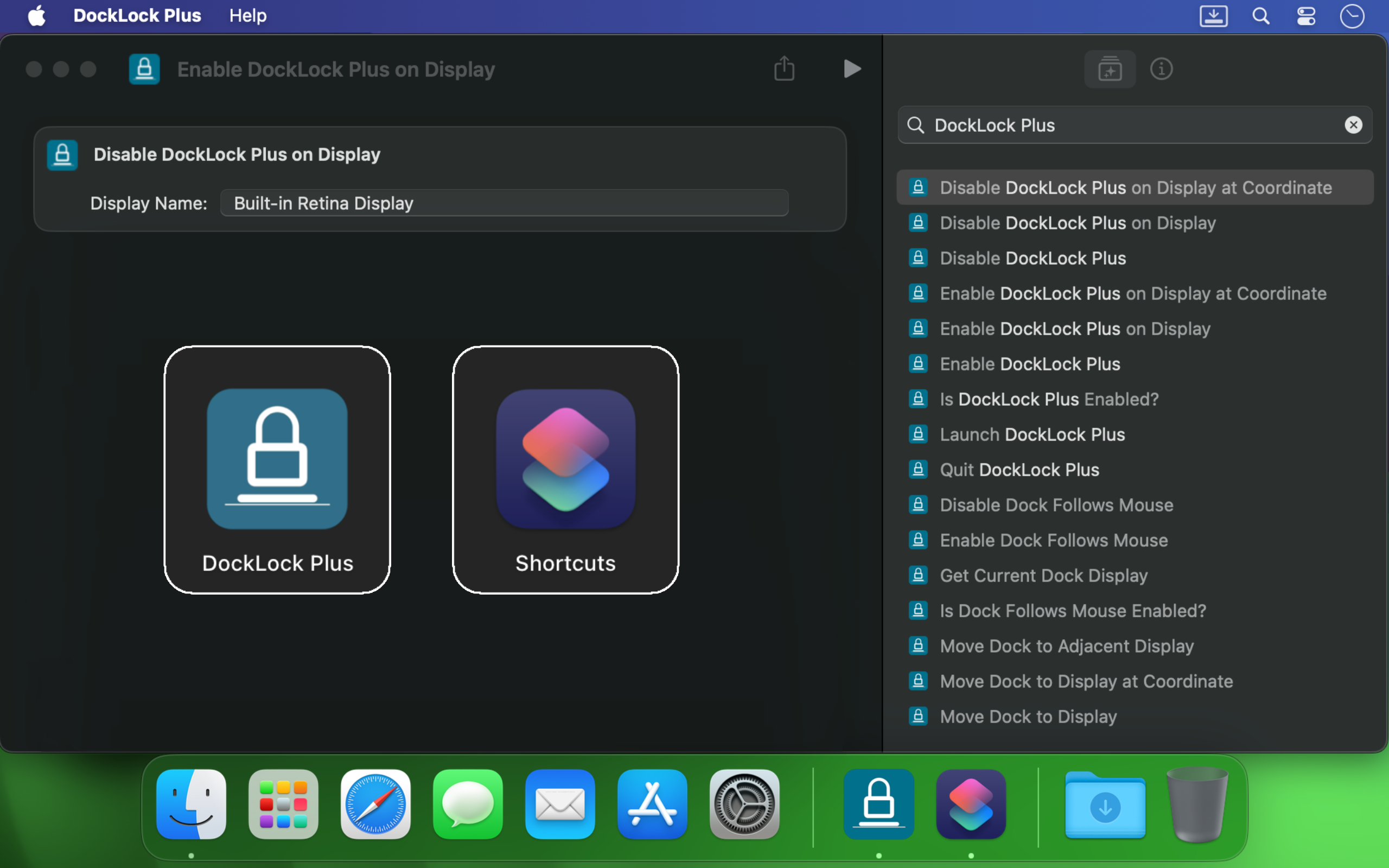
Uma licença vitalícia para usuários avançados que querem automação. Adiciona Atalhos da Apple, controle por esquema de URL, interface de linha de comando, Raycast e comportamento mais inteligente do Dock.
Licença vitalíciaAtalhos da ApplemacOS 10.9 ou mais novo
Desbloqueia posicionamento do Dock além dos limites da App Store.
A próxima edição do site para posicionamento além dos limites da App Store. Mova Docks laterais, desbloqueie layouts ocultos e controle onde o Dock pode ficar.
Desbloqueia posição do DockEdição do sitemacOS 10.9 ou mais novo
Todas as edições do DockLock compartilham o objetivo de manter o Dock onde você espera. A escolha certa depende de quanta automação e liberdade de posicionamento sua configuração precisa.
Ocultar Dock em reuniões ou compartilhamento de tela
Sim
Sim
Sim
Definir quais monitores permitem movimento do Dock
Sim
Sim
Sim
Realocar automaticamente após despertar e mudanças de tela
Sim
Sim
Sim
Tecla modificadora para mover temporariamente o Dock
Pago
Sim
Sim
Remover o ícone do Dock
Pago
Sim
Sim
Ocultar o ícone da barra de menus
Pago
Sim
Sim
Compartilhamento Familiar da Mac App Store
Sim
Sim
-
Versão Mac App Store totalmente isolada em ambiente seguro
Sim
Sim
-
Dock segue mouse, janela ativa ou aplicativos
-
Sim
Sim
Controle com Atalhos da Apple e Siri
-
Sim
Sim
Automação por esquema de URL
-
Sim
Sim
Interface de linha de comando
-
Sim
Sim
Extensão oficial do Raycast
-
Sim
Sim
Colocar Dock em qualquer borda da tela
-
-
Sim
Mover Dock vertical entre telas
-
-
Sim
Funciona sem Spaces separados para telas
-
-
Sim
Liberar espaço ao redor do Dock para janelas
-
-
Sim
DockLock Pro desbloqueia o que o macOS esconde
O protótipo Pro vai além do bloqueio. Ele controla o Dock real do macOS em tempo de execução, suporta posições laterais, pode mover um Dock vertical para qualquer tela e libera espaço ao redor do Dock para janelas. Ele não grava configuração persistente do sistema e não exige desativar SIP.
DockLock Plus integra com Atalhos da Apple, chamadas por esquema de URL, scripts de Terminal, Siri e Raycast para que seu Dock acompanhe o fluxo de trabalho em vez de interrompê-lo.
Se você usa vários monitores no Mac, o Dock pode pular no momento em que o cursor toca a borda de outra tela. DockLock não é um ajuste único. É um serviço em segundo plano que protege continuamente a estabilidade do Dock com confiabilidade profissional.
É útil para desenvolvedores, designers, apresentadores, criadores de transmissões e qualquer pessoa que queira uma mesa estável ao alternar entre telas.
Criado por um desenvolvedor independente
DockLock começou após meses de pesquisa sobre um problema sem alternativa real. É um aplicativo pioneiro, criado porque a ferramenta que eu precisava não existia.
DockLock é resultado de mais de 900 horas de engenharia reversa, desenvolvimento e testes solo por Ihor July. Cada compra apoia manutenção, compatibilidade futura com macOS e ferramentas originais que a Apple não criou.
Meu foco são utilitários macOS originais, não cópias. Apoiar DockLock ajuda a financiar mais aplicativos pioneiros. Apoiar trabalho que copia em vez de inventar cria apenas mais cópias.
Os aplicativos DockLock são feitos em C++ nativo para desempenho, mantêm ajustes localmente e não fazem solicitações de rede em segundo plano nas edições Mac App Store.
Avaliações da Mac App Store
Usuários compraram DockLock porque o problema é real, antigo e ainda atrapalha Macs modernos com vários monitores.
★★★★★
We need more indy developers like this
Hands down, one of the best utilities that I came across for MacOS. First thing I install on a new Mac.
★★★★★
2 screens and no hassle.
I run a MBP with an external screen and I was tired of constantly fighting with the dock settings… This app made it invisible !
★★★★★
This is game changer
I'm multi display user and that jumping dock was bothering me since begining of my mac journey. I was forced to use dock on the side which i'm not a fan of because it's far away to the left on my setup and can't fit that much icons as horizontal bottom dock. So thanks to this app I can finally use dock on the bottom, after 8 years of struggle and hoping for fix on every macos release each year. Thank you very much!
★★★★★
Great value considering how much time it saves. Highly recommended!
I've been using dual (and sometimes triple) monitors with macOS for years, and the Dock constantly jumping to whichever screen I brushed the bottom edge of was a real productivity killer. Since I installed DockLock Lite, that annoyance is gone: the Dock stays exactly where I set it on my preferred screen, even when I'm juggling full‑screen apps and screen sharing...
The dev is quick to respond to feedback and has already fixed some stability bugs in recent updates.
★★★★★
Perfect while sharing a monitor
I like this app especially when using Teams and sharing my second monitor 1) People don't get to see the dock 2) They also don't see - while I Command-Tab - the apps I have open
★★★★★
Finally, a solution to one of the most annoying things on MacOS!
If you use a Mac with multiple monitors, DockLock Plus is the essential app you never knew you needed. For years, macOS users have struggled with the Dock unpredictably jumping between screens-a persistent annoyance that Apple never addressed. DockLock Plus finally delivers the seamless, frustration-free multi-monitor experience professionals have been waiting for.
★★★★★
Exceptional tool for an annoying problem
At first glance it might seem that the app pricing is a bit high for "just" keeping the dock locked until you realize that 1. Apple has not fixed this in years. 2. If you have multiple monitors your productivity exceeds the cost of the app. Fantastic tool, does what it advertises and the developer is super responsive and very very helpful.
★★★★★
Do you struggle with your Dock staying put?
Do you struggle with your Dock staying put? If the answer is no, this app isn't for you. But if you've contracted a case of multiple monitors, beware: You're at risk to experience Apple's most hateful "feature", how the Dock hurdles itself to another display the moment your mouse innocently brushes the bottom of another screen like an overeager golden retriever chasing a ball. It's annoying. It's disruptive. It's like macOS is personally attempting to sabotage your carefully arranged windows just to watch your productivity suffer. Thankfully, DockLock Plus has solved this. And for a not unreasonable amount of money, ether. Just buy it. Your windows stay arranged, your workflow stays intact, and you'll have a shred more sanity.
★★★★★
Works perfectly as described
I was searching for something like this for a long time hoping every year Apple would provide this feature out of the box in the new OS but I was disappointed. Until I found this. No more annoying unintended dock appearances on other screens. My favorite part is once you hide the menu bar icon and remove icon from dock, and enable at startup, you simply would never know if something like this exists. Works like a charm
★★★★★
Much Needed Solution to Nuisance Issue
This solves one of those "Why isn't this a native feature of MacOS?" issues. I use a 3 monitor setup...2 large monitors side by side, plus my MBP display below. My dock was having an identity crisis deciding where to live. I wanted it on a specific monitor and not be vertical. I tried various suggestions found online, but this app did what fiddling around with settings couldn't. An elegant solution with plenty of configuration options. I can now force the dock to stay on one specific monitor, or I can allow it to bounce between just the external monitors while avoiding the build in display, or various other combinations. Thank you!
★★★★★
Fantastic!
Works as advertised! I've been trying to fix this problem for so long. Just a note, this works for docking stations too. Not sure if that's clearly stated anywhere. My docking station uses a DisplayLink driver and it all still works. Bravo!
★★★★★
Finally the dock works as it should!
So many years waiting for Apple to fix this. Now I can finally rest the dock on the bottom of my laptop's screen without it moving to the external screen, which happens frequently when placing the dock at the bottom and using the external screen on top of the smaller one (which is the best way to use it, IMHO, when you want to use both a small one from the laptop and a big one). This paid version allows dockLock to work with the dock hidden, which is also my preferred way to use it - but so impractical when we couldn't prevent it to be moved to the external screen. Works like a charm.
★★★★★
Best quality of life app EVER!
It blows my mind that this is not something that is natively able to be done on via the Mac's internal interface. However, this app is the BEST! A lot of the software I am using requires my mouse to be almost at the bottom of the screen, which would always cause the Dock to jump in the way of what I was working on. I love that I can set it on the single screen that I want it on (out of the 4 monitors I am using) and it no longer gets in the way. My productivity has increased. Everyone who has a Mac needs this app!
★★★★★
Every single Mac should automatically come with this app pre-installed
The Mac Dock's random jumping between screens has been a persistent source of frustration for countless macOS users over the years. It occurs frequently, disrupting focus and productivity during work. Despite numerous complaints, Apple has consistently disregarded customer feedback. To address this issue, Apple should acquire DockLock, ensuring its pre-installation on every Mac. DockLock is not a luxury but a necessity, and its inclusion would significantly enhance the user experience.
★★★★★
Hurrah!
Working with two monitors just got so much better! No more accidentally moving the cursor to the bottom of the second screen and watching the Dock unexpectedly jump over. The bottom edge of my secondary screen is no longer a danger zone 😂. At the same time, if I do want to move the Dock, I can do it easily with a special key, or even lock it to the secondary monitor if that's what I prefer. Finally, I feel in control! 💪
★★★★★
Work very well
My setup is 2-monitor vertically stacked: main 5K monitor and an iPad Pro 13 just below it, with wired sidecar. The jumping dock has always been a nuisance. With this App, the dock stays on main monitor when sidecar is off, and stays on sidecar iPad as soon as I connect it. Perfect. Immediately bought the plus version. Well done!
★★★★★
Indispensable
This is a small and really nice utility. If you work with multiple monitors, you tend to keep your Dock at the bottom of the screen. MacOS has this unnerving feature that, once you hit the bottom part of any screen with the mouse, it will move the Dock to that screen. This utility will stop MacOS from doing that every time. I waited a long time for a utility like this! Thumbs up!!
★★★★★
Finally we have a solution!
After years of struggling with this issue specially during screen sharing where the dock would just pop up when hovering over screen bottom, I am happy to say we have a fix in the form of DockLock. I had written feedback to apple numerous times on how annoying this was & they should fix it.
Mais aplicativos macOS focados em privacidade
DockLock faz parte de uma pequena família de utilitários Mac práticos, criados em torno de controle local, linguagem clara e sem serviços de fundo desnecessários.