DockLock Lite
简单。专注。核心功能保持免费。
专注版提供 7 天完整试用,无需信用卡。试用结束后,核心 Dock 锁定仍然免费。修饰键热键、移除 Dock 图标和隐藏菜单栏图标需要付费升级。
试用后核心免费付费修饰键热键付费隐藏图标macOS 10.9 或更新
在 Mac App Store 获取  DockLock Pro
 世界首款无需修改系统即可阻止 Mac Dock 在显示器之间跳动的应用。
将 Dock 锁定在你偏好的屏幕上,在屏幕共享时保持稳定,并在唤醒、显示器变化和连接事件后使用智能行为。
兼容 OS X Mavericks 10.9 及更新版本,这也是对这个问题存在太久的一点抗议。DockLock 解决每一代受影响 macOS 上的 Dock 跳动问题。
当你找不到指针时,本能反应是移动鼠标直到找到它。在多显示器 Mac 上,这种快速寻找可能触碰到另一块屏幕的底边,把 Dock 移到错误的显示器上。
DockLock 在后台持续运行,保护 Dock 的位置。它会检测唤醒、显示器变化和连接事件,然后自动把 Dock 移回你的工作流期望的屏幕。
Lite 专注且完全沙盒隔离。Plus 增加自动化和终身许可。Pro 是即将推出的网站版,用于突破 App Store 限制的 Dock 位置控制。
DockLock Lite 试用结束后,核心 Dock 锁定功能仍然免费。修饰键热键、移除 Dock 图标和隐藏菜单栏图标属于付费升级功能。
简单。专注。核心功能保持免费。
专注版提供 7 天完整试用,无需信用卡。试用结束后,核心 Dock 锁定仍然免费。修饰键热键、移除 Dock 图标和隐藏菜单栏图标需要付费升级。

高级用户。自动化。终身许可。
面向需要自动化的高级用户的终身许可。增加 Apple 快捷指令、URL 方案控制、命令行接口支持、Raycast 和更智能的 Dock 行为。
解锁超出 App Store 限制的 Dock 位置。
即将推出的网站版,用于突破 App Store 限制的 Dock 位置控制。移动侧边 Dock,解锁隐藏布局,控制 Dock 可以停留的位置。
| 功能 | Lite | Plus | Pro |
|---|---|---|---|
| 将 Dock 锁定到指定显示器 | 是 | 是 | 是 |
| 会议或屏幕共享时隐藏 Dock | 是 | 是 | 是 |
| 定义哪些显示器允许 Dock 移动 | 是 | 是 | 是 |
| 唤醒和屏幕变化后自动重新定位 | 是 | 是 | 是 |
| 用修饰键热键临时移动 Dock | 付费 | 是 | 是 |
| 移除 Dock 图标 | 付费 | 是 | 是 |
| 隐藏菜单栏图标 | 付费 | 是 | 是 |
| Mac App Store 家庭共享 | 是 | 是 | - |
| 完全沙盒隔离的 Mac App Store 版本 | 是 | 是 | - |
| Dock 跟随鼠标、活动窗口或应用 | - | 是 | 是 |
| Apple 快捷指令和 Siri 控制 | - | 是 | 是 |
| URL 方案自动化 | - | 是 | 是 |
| 命令行接口 | - | 是 | 是 |
| 官方 Raycast 扩展 | - | 是 | 是 |
| 将 Dock 放在任意屏幕边缘 | - | - | 是 |
| 在显示器之间移动垂直 Dock | - | - | 是 |
| 关闭显示器独立 Spaces 时也能工作 | - | - | 是 |
| 为窗口解锁 Dock 周围空间 | - | - | 是 |
Pro 原型不只是锁定。它在运行时控制真实的 macOS Dock,支持侧边位置,可以把垂直 Dock 移到任何显示器,并为窗口解锁 Dock 周围的空间。它不会写入持久系统配置,也不需要关闭 SIP。
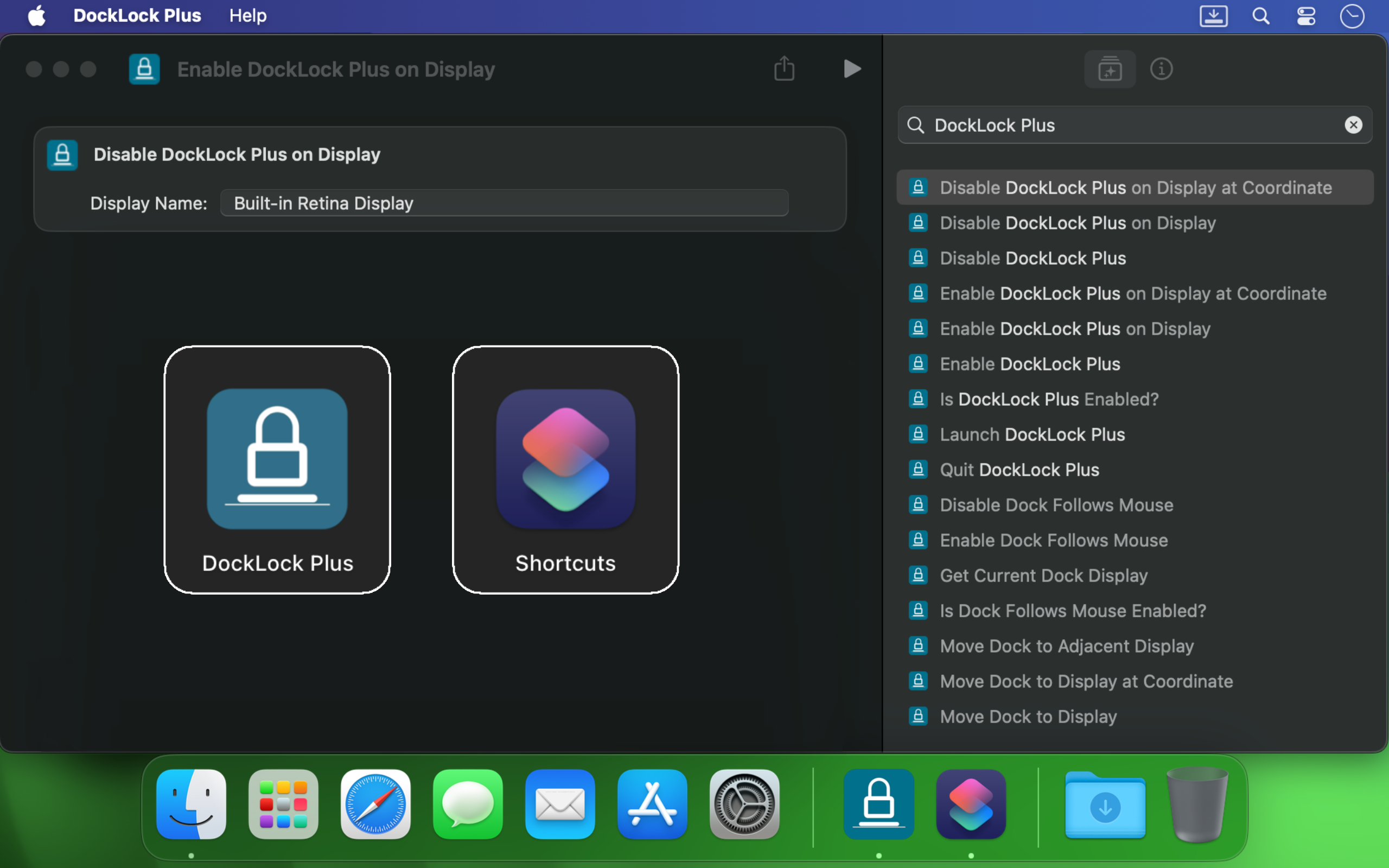
DockLock Plus 集成 Apple 快捷指令、URL 方案调用、终端脚本、Siri 和 Raycast,让 Dock 跟随你的工作流,而不是打断它。
如果你在 Mac 上使用多个显示器,Dock 会在光标触碰另一个屏幕边缘时跳走。DockLock 不是一次性技巧。它是后台服务,以专业级可靠性持续保护 Dock 稳定性。
它适合开发者、设计师、演示者、主播,以及所有希望在屏幕之间切换时保持桌面稳定的人。
DockLock 源于数月研究一个没有真正替代方案的问题。它是同类首创应用,因为我需要的工具并不存在。
DockLock 是 Ihor July 独自投入 900 多小时逆向工程、开发和测试的结果。每次购买都支持维护、未来 macOS 兼容性,以及 Apple 没有构建的原创工具。
我的重点是原创 macOS 工具,而不是复制。支持 DockLock 会帮助更多同类首创应用上线。支持复制而非发明的作品,只会得到更多复制品。
DockLock 应用使用原生 C++ 构建以获得性能,设置保存在本地,Mac App Store 版本不会发起后台网络请求。
用户购买 DockLock,是因为这个问题真实、古老,并且仍然打扰现代多显示器 Mac。
Hands down, one of the best utilities that I came across for MacOS. First thing I install on a new Mac.
I run a MBP with an external screen and I was tired of constantly fighting with the dock settings… This app made it invisible !
I'm multi display user and that jumping dock was bothering me since begining of my mac journey. I was forced to use dock on the side which i'm not a fan of because it's far away to the left on my setup and can't fit that much icons as horizontal bottom dock. So thanks to this app I can finally use dock on the bottom, after 8 years of struggle and hoping for fix on every macos release each year. Thank you very much!
I've been using dual (and sometimes triple) monitors with macOS for years, and the Dock constantly jumping to whichever screen I brushed the bottom edge of was a real productivity killer. Since I installed DockLock Lite, that annoyance is gone: the Dock stays exactly where I set it on my preferred screen, even when I'm juggling full‑screen apps and screen sharing... The dev is quick to respond to feedback and has already fixed some stability bugs in recent updates.
I like this app especially when using Teams and sharing my second monitor 1) People don't get to see the dock 2) They also don't see - while I Command-Tab - the apps I have open
If you use a Mac with multiple monitors, DockLock Plus is the essential app you never knew you needed. For years, macOS users have struggled with the Dock unpredictably jumping between screens-a persistent annoyance that Apple never addressed. DockLock Plus finally delivers the seamless, frustration-free multi-monitor experience professionals have been waiting for.
At first glance it might seem that the app pricing is a bit high for "just" keeping the dock locked until you realize that 1. Apple has not fixed this in years. 2. If you have multiple monitors your productivity exceeds the cost of the app. Fantastic tool, does what it advertises and the developer is super responsive and very very helpful.
Do you struggle with your Dock staying put? If the answer is no, this app isn't for you. But if you've contracted a case of multiple monitors, beware: You're at risk to experience Apple's most hateful "feature", how the Dock hurdles itself to another display the moment your mouse innocently brushes the bottom of another screen like an overeager golden retriever chasing a ball. It's annoying. It's disruptive. It's like macOS is personally attempting to sabotage your carefully arranged windows just to watch your productivity suffer. Thankfully, DockLock Plus has solved this. And for a not unreasonable amount of money, ether. Just buy it. Your windows stay arranged, your workflow stays intact, and you'll have a shred more sanity.
I was searching for something like this for a long time hoping every year Apple would provide this feature out of the box in the new OS but I was disappointed. Until I found this. No more annoying unintended dock appearances on other screens. My favorite part is once you hide the menu bar icon and remove icon from dock, and enable at startup, you simply would never know if something like this exists. Works like a charm
This solves one of those "Why isn't this a native feature of MacOS?" issues. I use a 3 monitor setup...2 large monitors side by side, plus my MBP display below. My dock was having an identity crisis deciding where to live. I wanted it on a specific monitor and not be vertical. I tried various suggestions found online, but this app did what fiddling around with settings couldn't. An elegant solution with plenty of configuration options. I can now force the dock to stay on one specific monitor, or I can allow it to bounce between just the external monitors while avoiding the build in display, or various other combinations. Thank you!
Works as advertised! I've been trying to fix this problem for so long. Just a note, this works for docking stations too. Not sure if that's clearly stated anywhere. My docking station uses a DisplayLink driver and it all still works. Bravo!
So many years waiting for Apple to fix this. Now I can finally rest the dock on the bottom of my laptop's screen without it moving to the external screen, which happens frequently when placing the dock at the bottom and using the external screen on top of the smaller one (which is the best way to use it, IMHO, when you want to use both a small one from the laptop and a big one). This paid version allows dockLock to work with the dock hidden, which is also my preferred way to use it - but so impractical when we couldn't prevent it to be moved to the external screen. Works like a charm.
It blows my mind that this is not something that is natively able to be done on via the Mac's internal interface. However, this app is the BEST! A lot of the software I am using requires my mouse to be almost at the bottom of the screen, which would always cause the Dock to jump in the way of what I was working on. I love that I can set it on the single screen that I want it on (out of the 4 monitors I am using) and it no longer gets in the way. My productivity has increased. Everyone who has a Mac needs this app!
The Mac Dock's random jumping between screens has been a persistent source of frustration for countless macOS users over the years. It occurs frequently, disrupting focus and productivity during work. Despite numerous complaints, Apple has consistently disregarded customer feedback. To address this issue, Apple should acquire DockLock, ensuring its pre-installation on every Mac. DockLock is not a luxury but a necessity, and its inclusion would significantly enhance the user experience.
Working with two monitors just got so much better! No more accidentally moving the cursor to the bottom of the second screen and watching the Dock unexpectedly jump over. The bottom edge of my secondary screen is no longer a danger zone 😂. At the same time, if I do want to move the Dock, I can do it easily with a special key, or even lock it to the secondary monitor if that's what I prefer. Finally, I feel in control! 💪
My setup is 2-monitor vertically stacked: main 5K monitor and an iPad Pro 13 just below it, with wired sidecar. The jumping dock has always been a nuisance. With this App, the dock stays on main monitor when sidecar is off, and stays on sidecar iPad as soon as I connect it. Perfect. Immediately bought the plus version. Well done!
This is a small and really nice utility. If you work with multiple monitors, you tend to keep your Dock at the bottom of the screen. MacOS has this unnerving feature that, once you hit the bottom part of any screen with the mouse, it will move the Dock to that screen. This utility will stop MacOS from doing that every time. I waited a long time for a utility like this! Thumbs up!!
After years of struggling with this issue specially during screen sharing where the dock would just pop up when hovering over screen bottom, I am happy to say we have a fix in the form of DockLock. I had written feedback to apple numerous times on how annoying this was & they should fix it.
DockLock 属于一小组实用 Mac 工具,围绕本地控制、清晰语言和没有不必要后台服务而构建。

创建专用应用快捷方式,启动完全独立的实例,每个实例都有自己的数据文件夹、配置文件、环境变量和命令行参数。你也可以为任意快捷方式添加可选菜单图标。

打开 Mac 应用前先检查。它用清晰语言解释签名、沙盒隔离、隐私权限、网络访问、内部辅助组件和其他 macOS 安全信号,并包含 Finder Quick Look 扩展。

为所有者说明、资产标签、共享 Mac 和测试机器创建纯文本锁屏消息。预览可见消息和向下滚动的详细内容,然后复制可直接用于 macOS 系统设置的文本。
购买前阅读重要设置说明,获取显示器布局帮助,或直接联系支持并附上 macOS 版本和复现细节。